
Thumb Score: +104
Go on the Amazon App on your phone. At the Bottom, click the 3 lines and chose “prime” which will open various tabs. Click the one that shows “Uber Eats with Prime”
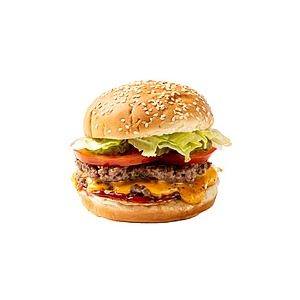
In the search bar, type “Five Guys” and choose your nearest location. When you scroll down, you’ll see Cheeseburger which should also show “Buy 1 get one1” highlighted. Click on that and add toppings (mayo, lettuce, etc…).
Scroll all the way down and add “4” of them then checkout, view cart and go to checkout. You should see your subtotal to include the discount with tax. Mine shows a grand total of $10.18 for all 4 burgers.
