
KEY FEATURES
Turn Any Document Into Natural-Sounding Speech
TTSFree AI is a desktop text-to-speech app for Windows and macOS that lets you convert PDFs, EPUBs, Word documents, scripts, and other text into natural-sounding speech. Everything is processed locally on your computer, so your files stay private without relying on cloud uploads or character limits.
Create Unlimited AI Voiceovers Offline
Convert Documents With Ease: Turn PDFs, EPUBs, DOC/DOCX, TXT, Markdown, PPTX, XLSX, HTML, SRT, and other supported files into speech with a single click.
Generate Without Limits: Create unlimited speech without character, word, or daily usage limits.
Process Multiple Files: Use batch processing to convert multiple documents into audio efficiently.
Create Audiobooks Faster: Generate long-form narration with the Kokoro model, optimized for fast speech generation.
Choose or Create the Right Voice
Explore 400+ AI Voices: Choose from a wide selection of natural AI voices across 20+ languages and accents.
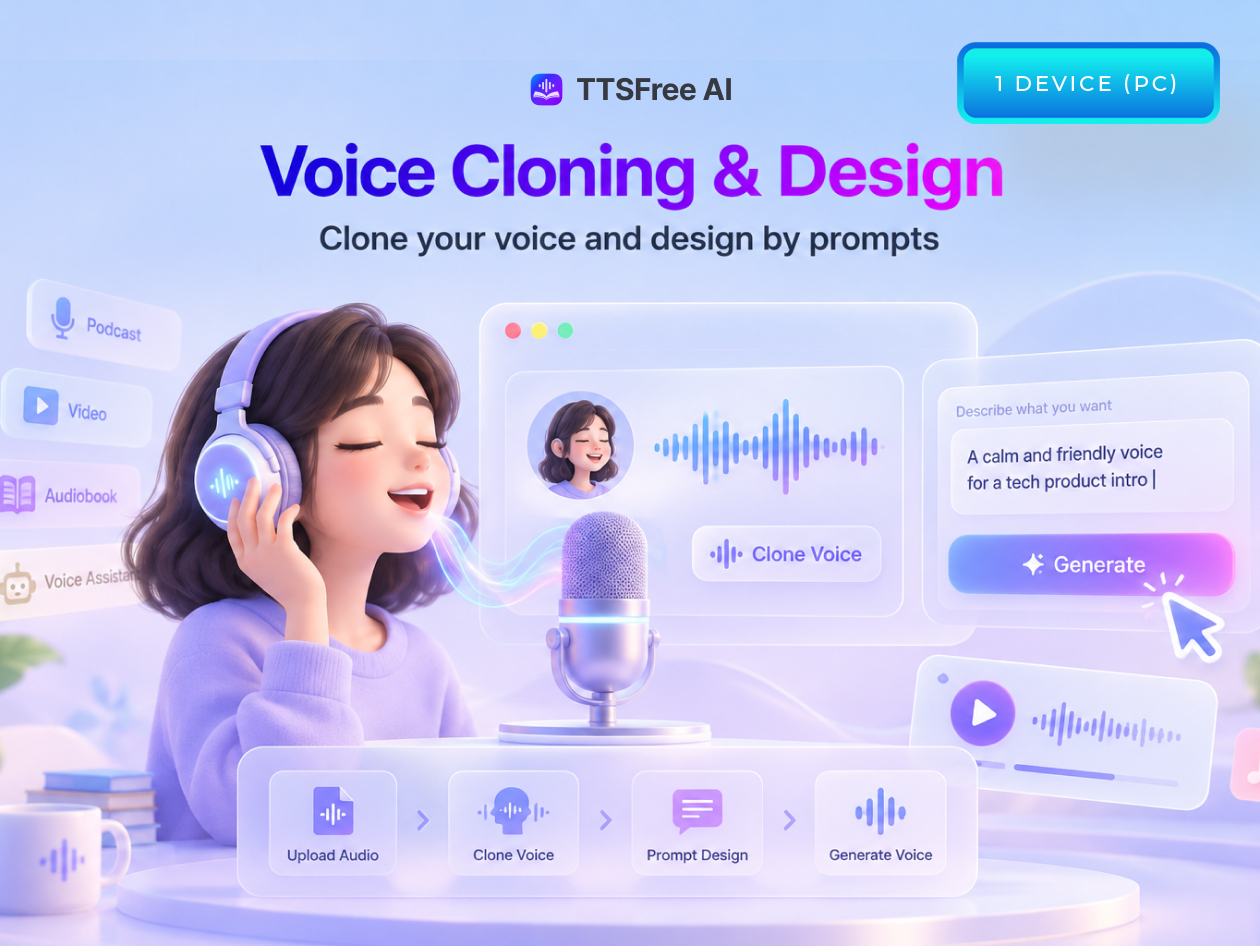
Clone Your Voice: Create a reusable AI voice from a short recording for consistent narration.
Design Custom Voices: Create new AI voices using text prompts or fine-tune existing voices to match your preferred style and tone.
Control Individual Paragraphs: Preview, edit, or regenerate individual sections instead of processing an entire document again.
Bring Scripts and Stories to Life
Use Script Mode: Automatically detect characters in scripts, dialogues, or novels and assign different voices to each speaker.
Create Multi-Voice Dialogue: Give each character a distinct voice for more natural conversations and storytelling.
Export Flexible Audio Files: Save generated speech as MP3, WAV, or M4A/M4B for editing, publishing, or direct use.
Switch Between TTS Engines: Choose from multiple engines, including Qwen, Kokoro, and OmniVoice, to balance quality, speed, and resource usage.
Keep Your Content Private
Process Everything Locally: Speech generation happens directly on your computer, so your files don’t need to leave your device.
Work Offline: Create speech without depending on cloud-based processing or online character limits.
Use Generated Audio Commercially: Commercial use is allowed for generated speech, except content generated with OmniVoice.
Ideal For
Audiobook Creators: Turn books and long-form documents into narrated audio.
Content Creators: Generate narration for YouTube, TikTok, podcasts, and other content.
Authors & Publishers: Convert manuscripts, scripts, and documents into professional voiceovers.
Educators & Trainers: Create audio versions of reports, learning materials, and courses.
High-Volume Users: Process large amounts of text without worrying about usage caps.
Voiceover Professionals: Create and customize voices for different projects.
PRODUCT SPECS
System Requirements
Operating System: Windows 10 or later
Processor: Intel or AMD CPU
Graphics: Optional. NVIDIA, AMD, and Intel discrete GPUs are supported. The Kokoro and native Windows voice engines can run on a standard CPU without a dedicated GPU
Storage: Up to approximately 9.5 GB if all available AI voice models are installed. Each model is optional:
Qwen3-TTS 1.7B: approximately 6.12 GB
Qwen3-TTS 0.6B: approximately 2.05 GB
OmniVoice: approximately 901 MB
Kokoro: approximately 337 MB
Native Windows voices: No additional download required
Internet: Required only for downloading voice models and verifying the license. Text-to-speech conversion runs offline.
Important Details
Length of Access: Lifetime
Redemption Deadline: Redeem your code within 30 days of purchase
Devices: 1 PC per license
Software Version: v1.8.0
Updates Included: Yes
Access Options: Desktop app
Available to new and existing users
Text-to-Speech Generation: Unlimited, with no character, word, or daily limits
Processing: All text-to-speech processing happens locally on your computer, and files are not uploaded.
Included Software: TTSFree AI desktop app only. This license does not include PopPop AI’s separate online audio tools.
Commercial Use: Permitted for generated speech, except content generated with OmniVoice.
Have questions on how digital purchases work? Learn more about digital products
Learn more about what lifetime access means!
